


01 / Context
Project Context
Omnirelay gives development teams one infrastructure layer for sending and managing notifications across email, SMS, push, webhooks and chat.
Instead of configuring each channel independently, teams can connect providers, manage credentials and follow notification activity from one system.
We worked on the identity and product experience, with a central question running through both: how do you make infrastructure feel understandable without pretending it isn't technical?
02 / Problem
The Problem
Notification systems become fragmented quickly.
Different channels introduce different providers, credentials, configurations, delivery states and failure conditions. As that infrastructure grows, developers have more places to configure and more places to look when something goes wrong.
Bringing everything into Omnirelay solved part of that problem. The interface still had to make the resulting complexity navigable.
03 / Identity
Building the Identity
Omnirelay needed to communicate infrastructure without feeling cold or inaccessible.
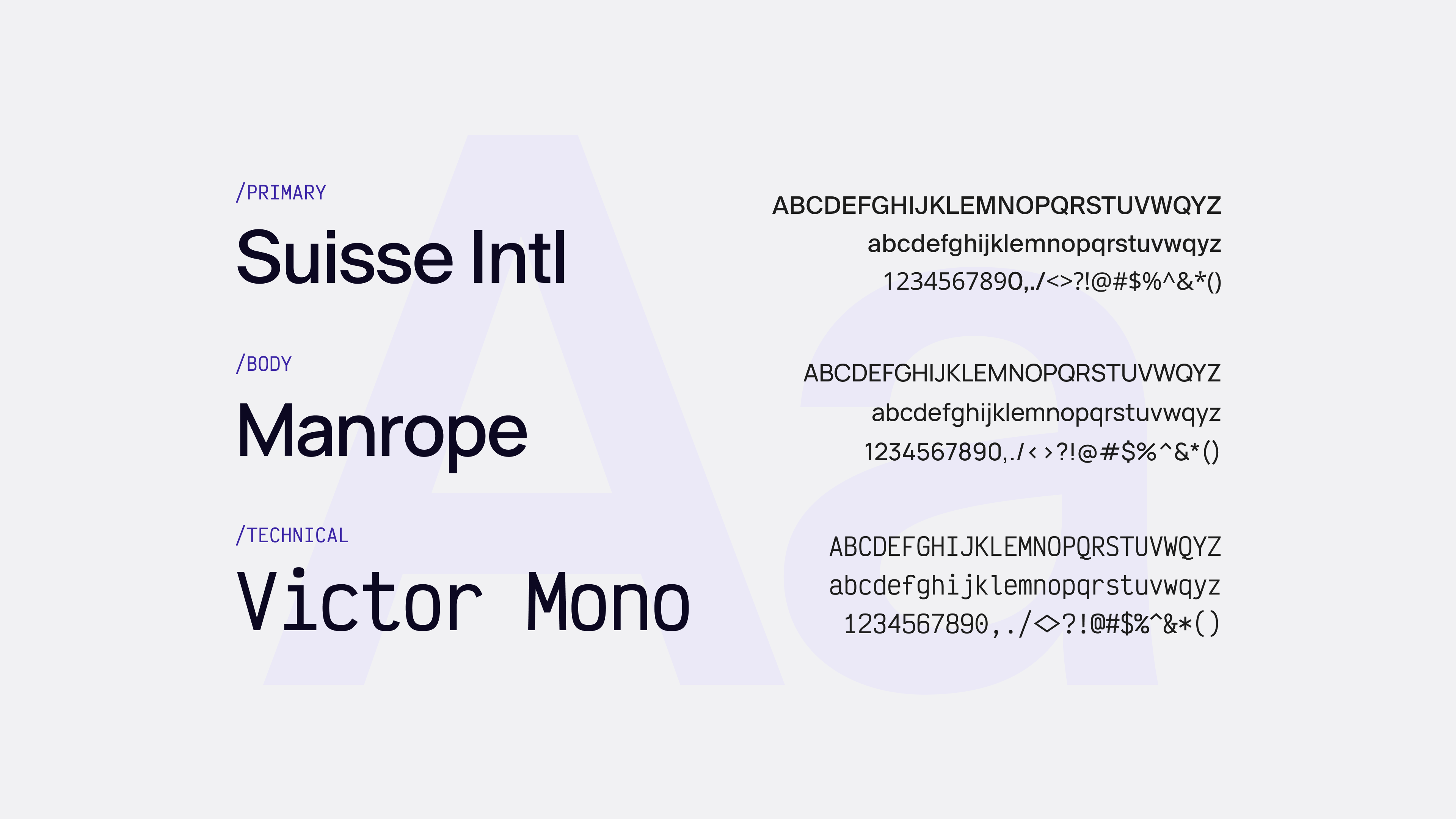
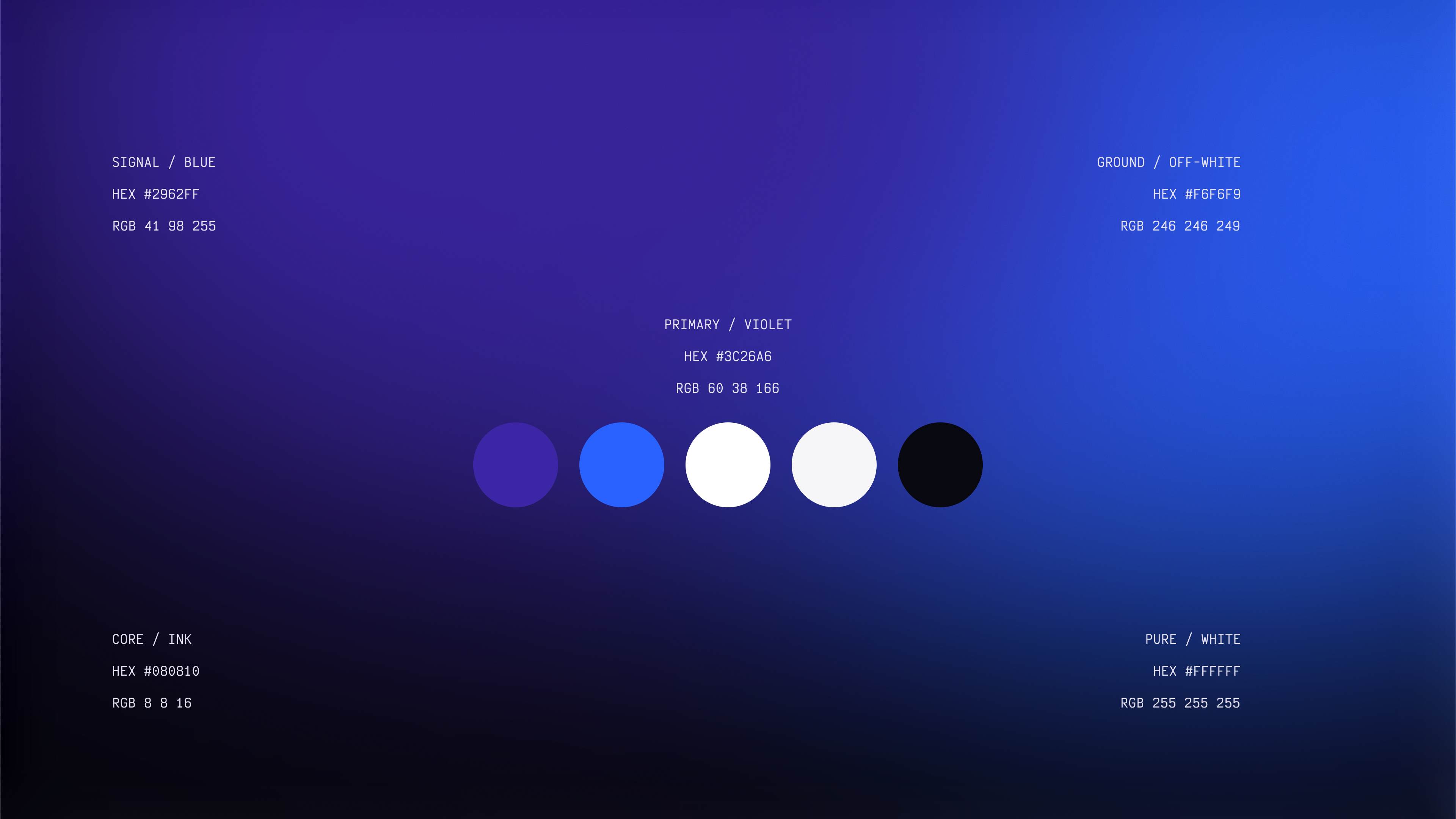
We developed an identity that could sit comfortably beside technical concepts, product UI and developer-facing communication. The system uses a restrained visual language, with technical typography and a focused colour palette giving the product its own recognisable character without competing with the information it carries.

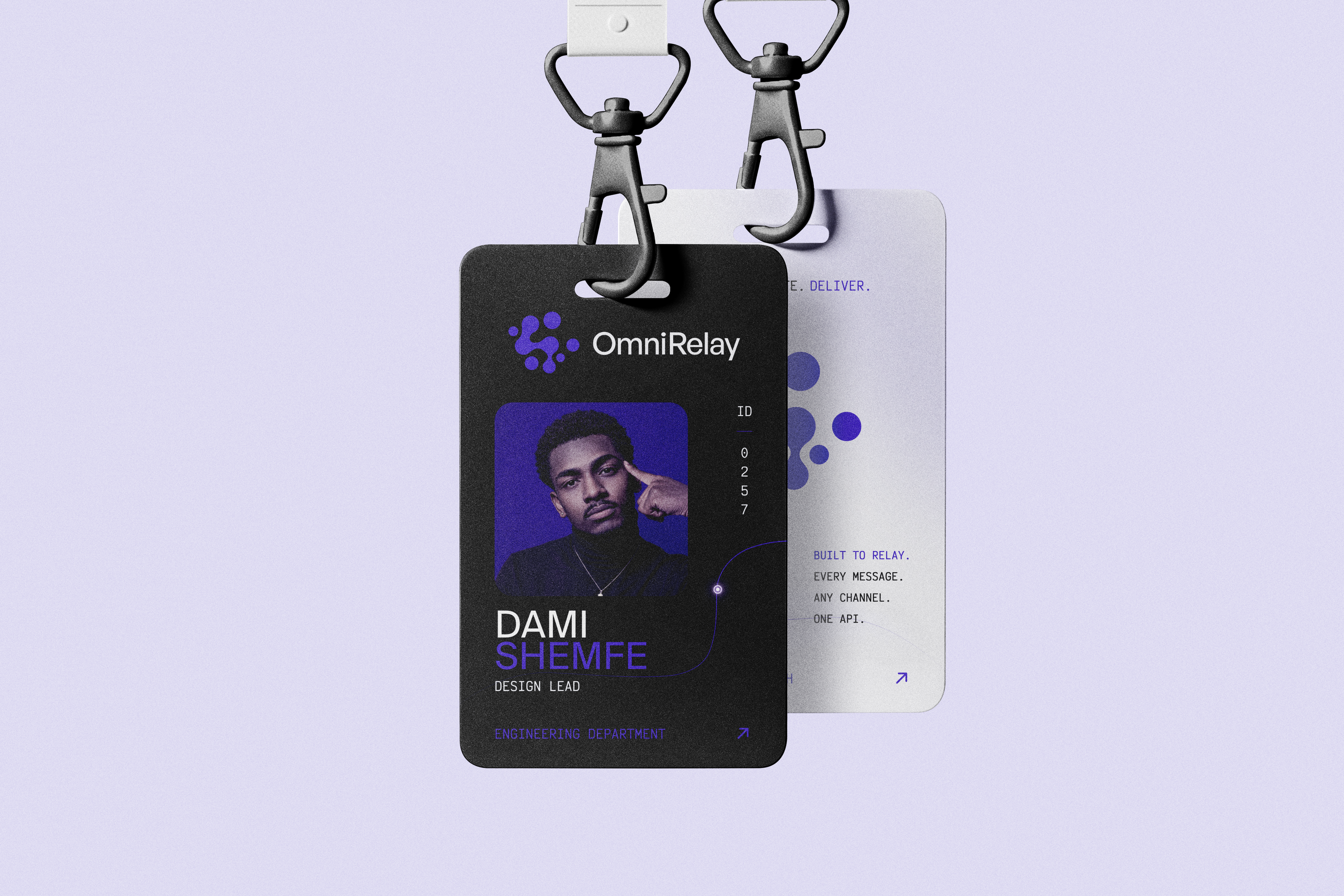
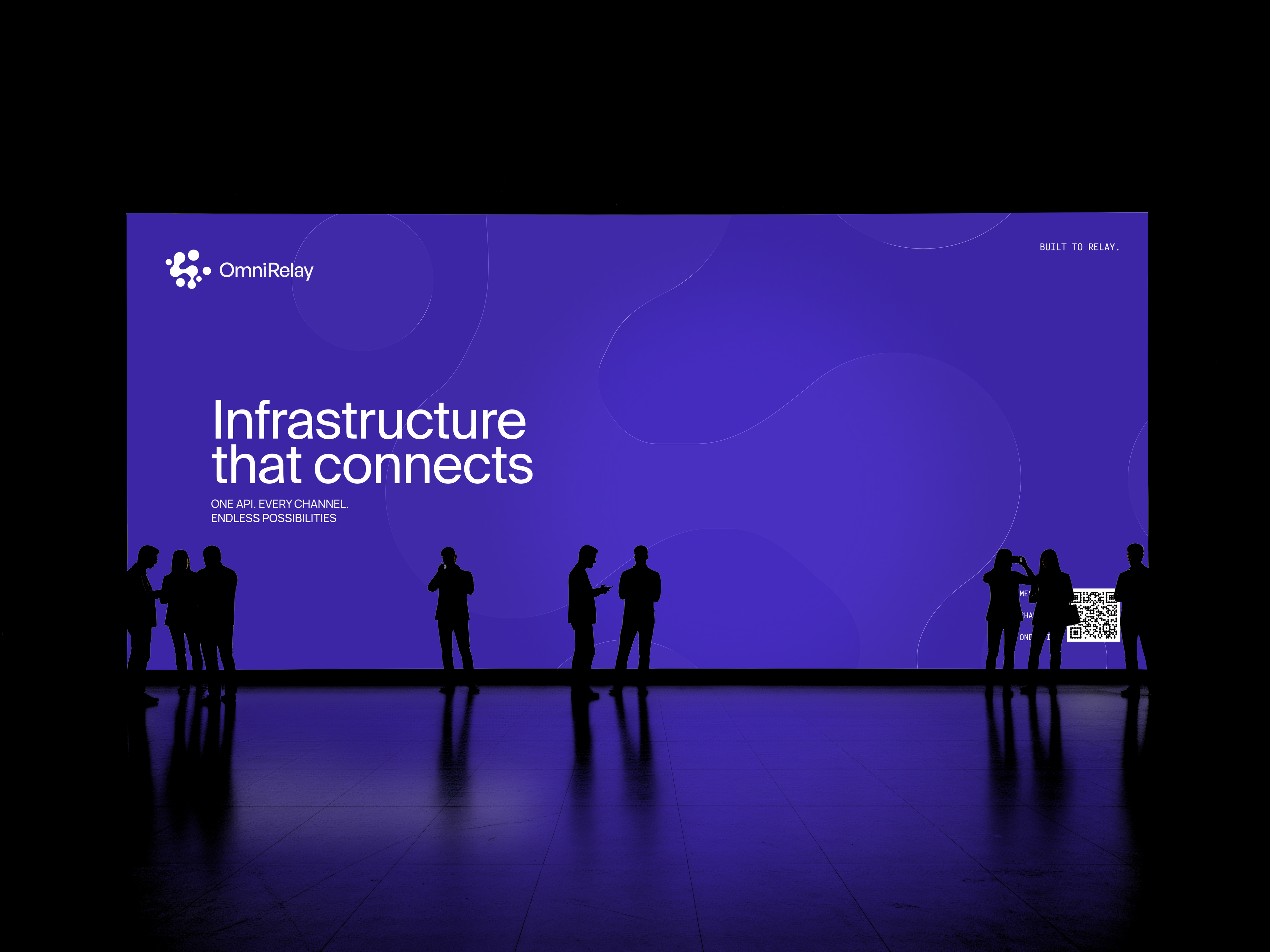
The same principles carried into the application, keeping the brand and product from feeling like separate systems.
04 / Decisions
Key Decisions
Structure the product around environments
Development teams don't treat every notification as production traffic.
We made Staging and Production persistent parts of the product structure, allowing integrations, keys and activity to remain connected to the environment they belong to.
Turn integrations into a catalogue
Omnirelay can sit between a product and providers such as SMTP, SendGrid, Mailgun, SES, Twilio, Termii, Slack and Telegram.
Rather than treating these as a long configuration page, we designed integrations as discoverable objects. Teams can understand what is available, connect what they need and return later to manage it.
Make credential handling deliberate
API keys and provider credentials are sensitive, but they are also part of everyday setup.
We designed their flows around clear creation, visibility and management states, including revealing sensitive keys only when appropriate.
Make activity useful when something goes wrong
Successful notifications need little explanation. Failed ones do.
Activity was designed to help developers follow what happened to a notification, inspect its state and find the information needed to investigate a problem.
Keep technical detail contextual
We didn't try to make Omnirelay less technical by hiding information.
Instead, we placed detail where it becomes useful: configuration during setup, credentials when connecting systems, and delivery information when inspecting activity.
05 / Product
The Product Experience
The resulting application is organised around a relatively small set of recurring developer tasks.
Workspaces & Environments
Teams can separate Staging and Production while maintaining a consistent way to move between them.
Integrations
A central catalogue provides a common entry point for connecting and managing communication providers across channels.
API Keys
Credential management gives developers controlled access to the infrastructure without letting sensitive information dominate the everyday interface.
Activity
Notification events can be inspected from a shared activity layer, giving teams visibility into delivery and failure states.
Analytics
Aggregate views help teams move from investigating individual events to understanding notification behaviour over time.
Settings
Workspace, environment and account controls are separated from everyday operational tasks while remaining predictable to find.
06 / System
Designing the System
A developer product contains more states than its cleanest screens suggest.
Inputs, tables, credentials, integration states, notifications, empty states, errors and navigation all needed rules that could survive as Omnirelay expanded.
We built the interface from reusable foundations and components rather than designing each product area independently.
That system gives new providers and capabilities somewhere to fit without requiring the interface language to be reinvented each time.
07 / Website
Explaining the Product
The marketing website had a different challenge from the application.
It needed to explain what Omnirelay does before asking visitors to understand how the underlying infrastructure works.
We structured the experience around the problem, how Omnirelay fits into a team's stack, supported integrations and the developer experience, progressively introducing technical detail as it became relevant.
08 / Outcome
Outcome
Final artifacts
The engagement resulted in a connected identity and product system spanning Omnirelay's public and application experiences.
- Identity
- Logo system, typography, colour and brand applications.
- Product
- Workspaces, environments, integrations, API keys, activity, analytics and settings.
- Design System
- Reusable foundations, components, states and product patterns.
- Web
- A developer-facing marketing experience explaining the platform, integrations and product proposition.

What happened
Omnirelay moved from a technical infrastructure proposition into a defined brand and product experience.
The resulting system gives the platform a consistent way to introduce new integrations, environments and product capabilities while keeping the underlying infrastructure understandable to the developers operating it.
Reflections
Omnirelay changed how we thought about simplicity in technical products.
Developers don't necessarily need less information. They need the right information at the point where it helps them make a decision, configure something or understand what went wrong.
The work wasn't about disguising complexity. It was about giving that complexity structure.